swcad-js
Salvador Workshop's CAD coding tools (in JavaScript)
Overview
Online viewer
A heavily customized version of the JSCAD UI (https://github.com/hrgdavor/jscadui)
API Docs
salvador-workshop.github.io/swcad-js/
Repository
github.com/salvador-workshop/swcad-js/
NPM package
Usage
Works with JSCAD, however you consume it.
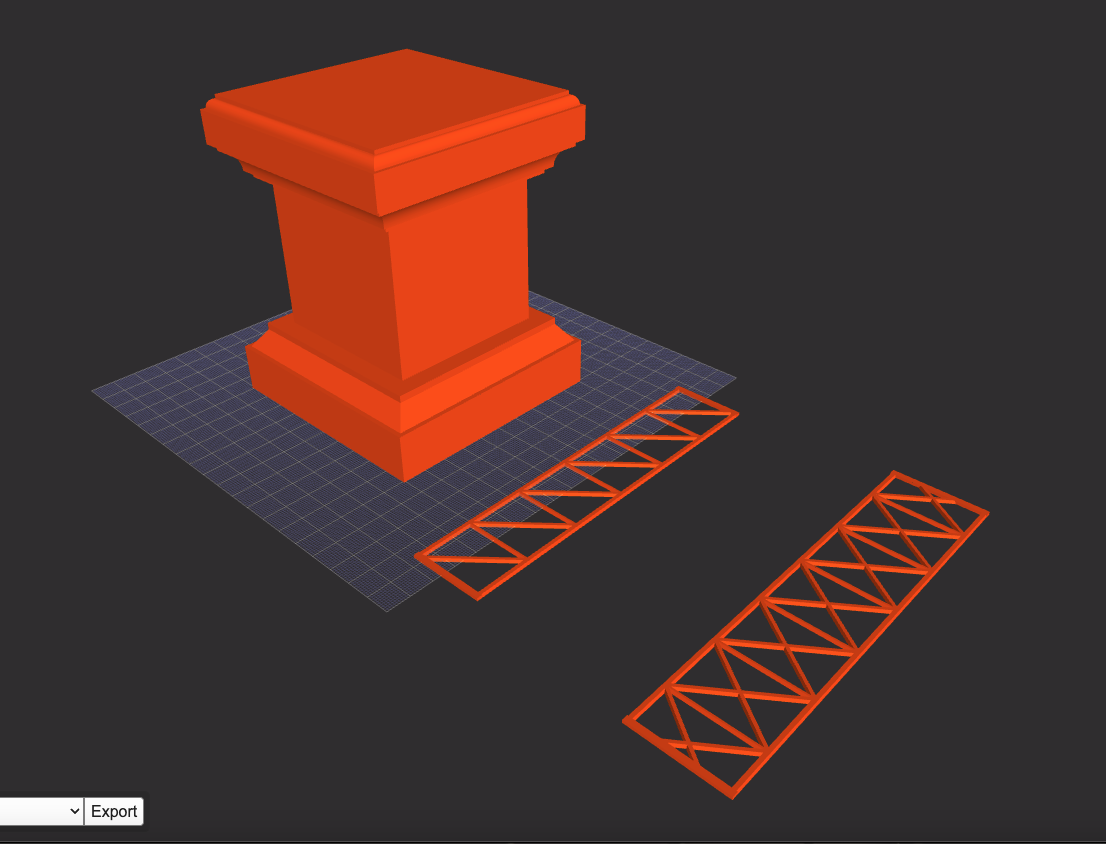
Try copying the example below into sw-jscad-viewer (sw-jscad-viewer.netlify.app).
/* ----------------------------------------
 * Initialization
 * ------------------------------------- */

const jscad = require('@jscad/modeling')

const { cuboid } = jscad.primitives
const { translate } = jscad.transforms

const swcadJs = require('swcad-js').init({ jscad });
console.log('swcadJs', swcadJs)

const {
  math,
  transform,
} = swcadJs.calcs

const {
  colors,
} = swcadJs.utils

const {
  openWebJoist,
} = swcadJs.components

const {
  routedCuboid,
} = swcadJs.components.routedShapes


//==============================================================================


/* ----------------------------------------
 * Model / Scene Prep
 * ------------------------------------- */

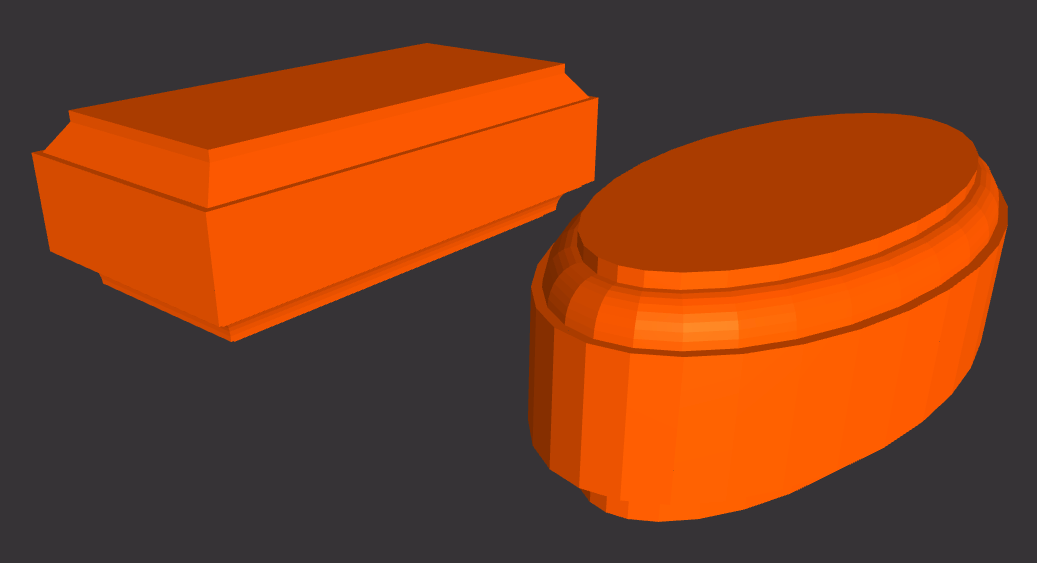
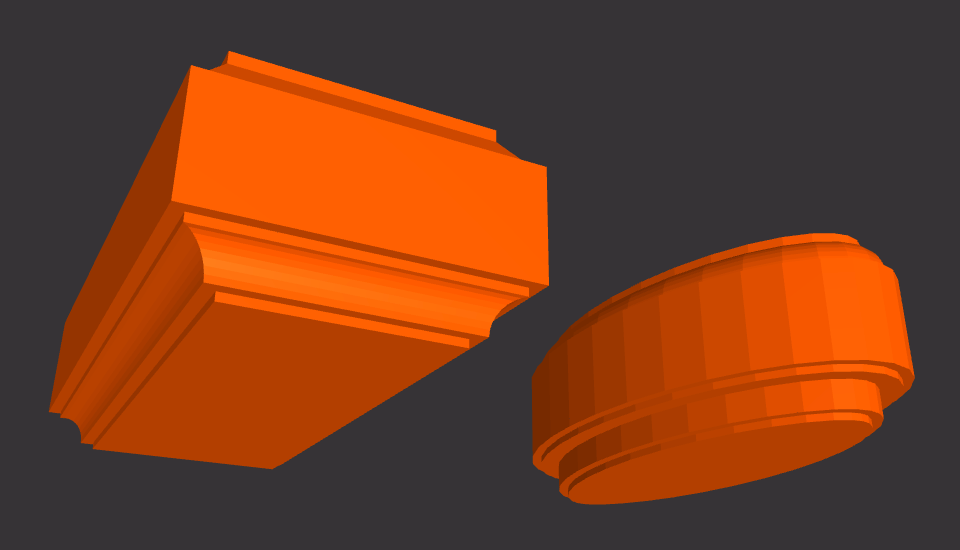
// "INTRO" PLINTH

const introPlinthSize = [
  math.inchesToMm(4),
  math.inchesToMm(4),
  math.inchesToMm(5),
]

const endBlockSize = [
  introPlinthSize[0],
  introPlinthSize[1],
  introPlinthSize[2] / 4,
]

const midBlockOverhang = math.inchesToMm(5 / 8)

const midBlockSize = [
  introPlinthSize[0] - (midBlockOverhang * 2),
  introPlinthSize[1] - (midBlockOverhang * 2),
  introPlinthSize[2] / 2,
]

// Midsection is built with jscad
// Top and Bottom ends are built with swcad-js

const mid = cuboid({ size: midBlockSize })

const baseOpts = {
  size: endBlockSize,
  topBit: 'chamfer',
  topBitOpts: {
    radius1: 6,
    radius2: 8,
    offset1: 3,
    offset2: 2,
    offset3: 3,
    offset4: 2,
  },
  bottomBit: 'none',
  bottomBitOpts: {
  },
}

const baseData = routedCuboid(baseOpts)
const base = baseData[0]

const topOpts = {
  size: endBlockSize,
  topBit: 'roundOver',
  topBitOpts: {
    radius1: 3,
    radius2: 4,
    offset1: 1.5,
    offset2: 1.5,
  },
  bottomBit: 'cove',
  bottomBitOpts: {
    radius1: 6,
    radius2: 8,
    offset1: 2.5,
    offset2: 2.5,
    offset3: 2.5,
    offset4: 2.5,
  },
}

const topData = routedCuboid(topOpts)
const top = topData[0]

// The library also has helper functions

const introPlinth = transform.stack({}, [base, mid, top])

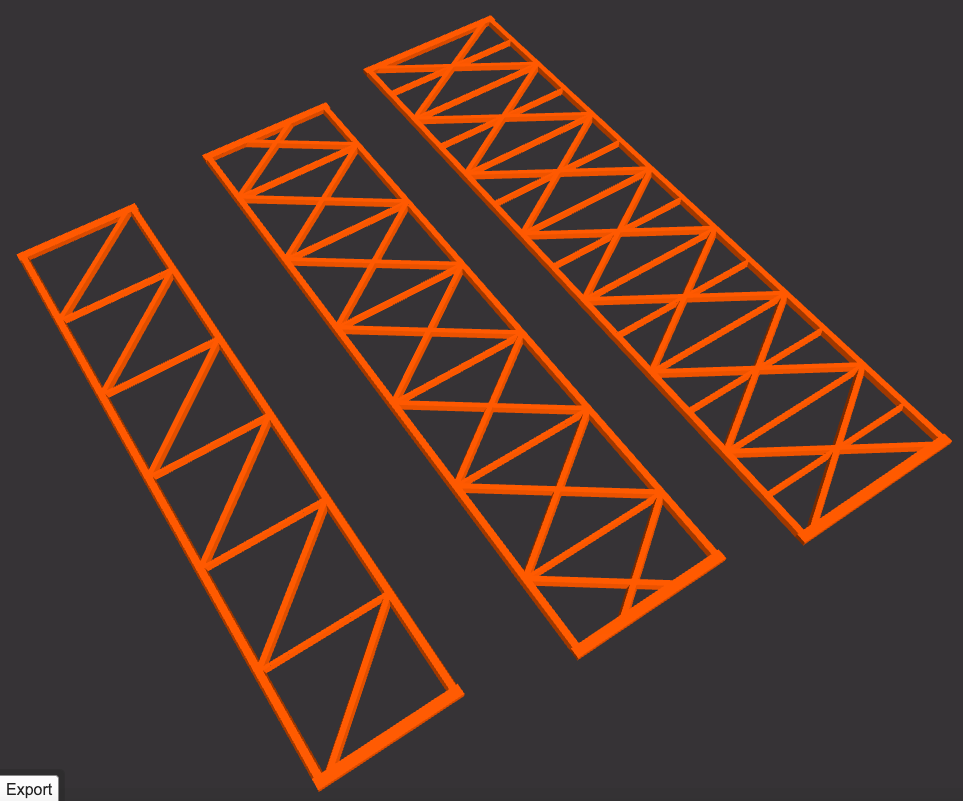
// OPEN WEB JOIST

const openWebJoistOpts1 = {
  length: math.inchesToMm(6),
  width: math.inchesToMm(1.25),
}

const openWebJoistOpts2 = {
  length: math.inchesToMm(6.5),
  width: math.inchesToMm(1.5),
  reinforcementLevel: 2
}

const openWebJoistData1 = openWebJoist(openWebJoistOpts1)
const openWebJoistData2 = openWebJoist(openWebJoistOpts2)

const openWebJoistModel1 = openWebJoistData1[0]
const openWebJoistModel2 = openWebJoistData2[0]


//==============================================================================


/* ----------------------------------------
 * Main function for JSCAD
 * ------------------------------------- */


function main() {
  const spaceUnit = math.inchesToMm(4)

  return [
    translate([spaceUnit * 0, spaceUnit * 0, spaceUnit * 0], introPlinth),
    translate([spaceUnit * 1, spaceUnit * 0, spaceUnit * 0], openWebJoistModel1),
    translate([spaceUnit * 2, spaceUnit * 0, spaceUnit * 0], openWebJoistModel2),
  ]
}

module.exports = { main }
API
as of version 0.12.5
The swcad-js library's main functional divisions:
Data — Static info
- constants
- functions
- specifications
- standards
- standards.crafts
- standards.lumber
- standards.masonry
- standards.paper
- standards.tiles
Calcs — Calculations of all sorts
- geometry
- geometry.points
- geometry.regPoly
- geometry.reinforcement
- math
- position
- position.cuboid
- position.rectangle
- position.triangle
- transform
Profiles — 2D profiles, surfaces, sections
- beadsBits.corner
- connections
- curve
- shapes
- shapes.ellipse
- shapes.rectangle
- shapes.square
- shapes.triangle
- structure.arch
- structure.foil
- structure.mesh
- text
- trim
- trim.aranea
ProfileSpec — 2D profiles conforming to specs
- lumber
- paper
Components — Basic reusable 3D units
- beadsBits
- beadsBits.corner
- mesh
- moulding
- routedShapes
- text
ComponentSpec — 3D components conforming to specs
- brick
- crafts
- tile
Models — Complex 3D models
- arch
- foil
- structure
- structure.wall
- structure.wallEntryway
Utils — Auxiliary utilities
- colors
- layout
- palette
Structure
Internally, the library is split into several packages that follow the main API divisions:
swcad-js-calcs — Calculations of all sorts
swcad-js-component-spec — 3D components conforming to specs
swcad-js-components — Basic reusable 3D units
swcad-js-core — Integrates all these packages together into the final package
swcad-js-data — Static info
swcad-js-models — Complex 3D models
swcad-js-profile-spec — 2D profiles conforming to specs
swcad-js-profiles — 2D profiles, surfaces, sections
swcad-js-utils — Auxiliary utilities